
Portable touch monitors have become essential tools for tech enthusiasts seeking flexibility, productivity, and vibrant visuals on the go. Shenzhen Jingshu Technology co., Ltd (Jingshu Technology) stands at the forefront of this market, providing innovative, high-quality monitors known for their advanced features and robust design. When buying a portable touch monitor, key considerations include display quality (resolution, panel type, brightness, and color accuracy), touch functionality (multi-touch, stylus compatibility, and response time), connectivity options (USB-C, HDMI, wireless features), size and portability, and overall build quality. Jingshu Technology’s monitors are tailored for a wide array of users: developers, gamers, creatives, students, and business professionals, all benefiting from features like smart auto-rotation, integrated speakers, blue light filtering, and customizable on-screen displays. Compatibility with various devices and operating systems is crucial, with Jingshu Technology ensuring wide-ranging support and regular firmware updates. To maximize your experience, invest in protective accessories, optimize settings for different environments, and maintain up-to-date firmware. While portable touch monitors do not entirely replace traditional monitors, they provide unmatched convenience and versatility for travel, presentations, collaboration, and entertainment. By focusing on these critical factors and choosing a reputable provider like Jingshu Technology, tech enthusiasts can elevate their digital lifestyles, seamlessly integrating mobility with high-performance display solutions.
In the rapidly evolving world of technology, portability and flexibility are paramount for tech enthusiasts who demand high performance, vibrant visuals, and effortless connectivity on the go. Shenzhen Jingshu Technology co., Ltd, commonly referred to as Jingshu Technology, stands as a reputable leader in the portable touch monitor space, offering innovative solutions that cater to diverse digital lifestyles. This comprehensive guide explores the critical considerations, features, and the latest advancements when selecting a portable touch monitor, tailored specifically for tech aficionados seeking the perfect blend of mobility and productivity.
Understanding Portable Touch Monitors
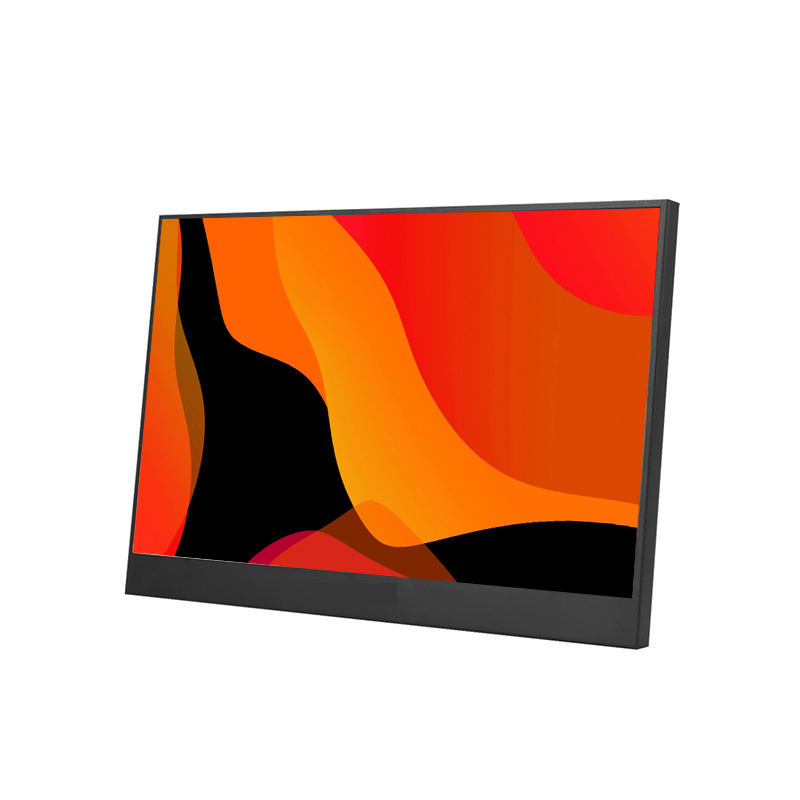
Portable touch monitors are compact, lightweight displays designed for seamless integration with laptops, smartphones, tablets, gaming consoles, and more. With multi-touch functionality and advanced connectivity options, these monitors bridge the gap between convenience and versatility, making them indispensable for professionals, gamers, educators, and creative individuals alike.
Key Benefits of Portable Touch Monitors
- Enhanced Productivity: Expand your digital workspace, allowing multi-tasking across applications and devices.
- On-the-Go Flexibility: Lightweight design ensures effortless portability for travelers, students, and remote workers.
- Versatile Compatibility: Connects easily with laptops, smartphones, gaming devices, and digital cameras.
- Interactive Experience: Responsive multi-touch support and stylus compatibility simplify presentations, drawing, and note-taking.
- Entertainment Boost: High-resolution screens deliver immersive gaming, streaming, and media consumption.
Critical Factors When Choosing a Portable Touch Monitor
Jingshu Technology recognizes that tech enthusiasts prioritize both performance and convenience. Below are the essential elements to evaluate before making a purchase:
undefined
1. Display Quality
- Resolution: 1080p (Full HD) is standard, but 2K and 4K monitors offer sharper visuals for designers and gamers.
- Panel Type: IPS panels deliver wide viewing angles and accurate colors, while OLED panels provide deeper blacks and higher contrast.
- Brightness & Color Gamut: Higher brightness (nits) and broader color gamut (sRGB, AdobeRGB) ensure vivid imagery, even in outdoor conditions.
2. Touch Functionality
- Multi-Touch Support: Look for 10-point touch compatibility for smooth gesture controls and enhanced interaction.
- Stylus Compatibility: Essential for artists, designers, and note-takers who require precision input.
- Response Time: Fast response rates minimize input lag for gaming and creative tasks.
3. Connectivity Options
- USB-C: Modern monitors from Jingshu Technology typically feature USB-C for power delivery, video input, and data transfer with a single cable.
- HDMI & Mini HDMI: Extends compatibility to legacy devices, gaming consoles, and cameras.
- Wireless Connectivity: Advanced models offer Wi-Fi or Bluetooth screen mirroring for added convenience.
- Power Options: Check for pass-through charging, built-in batteries, or compatibility with power banks.
4. Size & Portability
- Screen Size: Typical options range from 12 to 17 inches. Larger displays offer more space but may compromise on portability.
- Weight & Thickness: Ultra-thin, lightweight monitors (under 1 kg) are ideal for frequent travelers.
- Stand & Mounting: Built-in stands or VESA mounting support increase flexibility in setup.
5. Build Quality & Design
- Material: Premium aluminum or magnesium alloy frames ensure durability and a sleek profile.
- Bezels: Narrow bezels maximize screen real estate and modern aesthetics.
- Protective Features: Scratch-resistant glass and carrying cases add longevity and portability.
Target Applications for Tech Enthusiasts
Jingshu Technology understands that every tech enthusiast brings unique requirements to the table. Here’s how portable touch monitors cater to specific use cases:
For Developers & Multitaskers
- Boost productivity with dual-monitor setups, code review, or remote collaboration.
- Multi-touch support simplifies debugging and testing across platforms.
For Gamers
- High refresh rate screens and low response times for smooth gameplay.
- Connects easily to gaming consoles, PCs, or even smartphones.
For Creatives & Designers
- Precise color reproduction and stylus compatibility for digital art and editing.
- 4K resolutions unlock detailed, lifelike visuals for photography and video work.
For Students & Educators
- Interactive learning, digital whiteboarding, and easy note-taking with touch input.
- Effortless shifting between in-person and remote learning environments.
For Business Professionals
- On-the-go presentations, video calls, and real-time document collaboration.
- Portability ensures readiness for client meetings or coworking sessions.
Advanced Features Offered by Jingshu Technology
As a pioneer in the industry, Jingshu Technology integrates premium features to elevate the portable monitor experience:
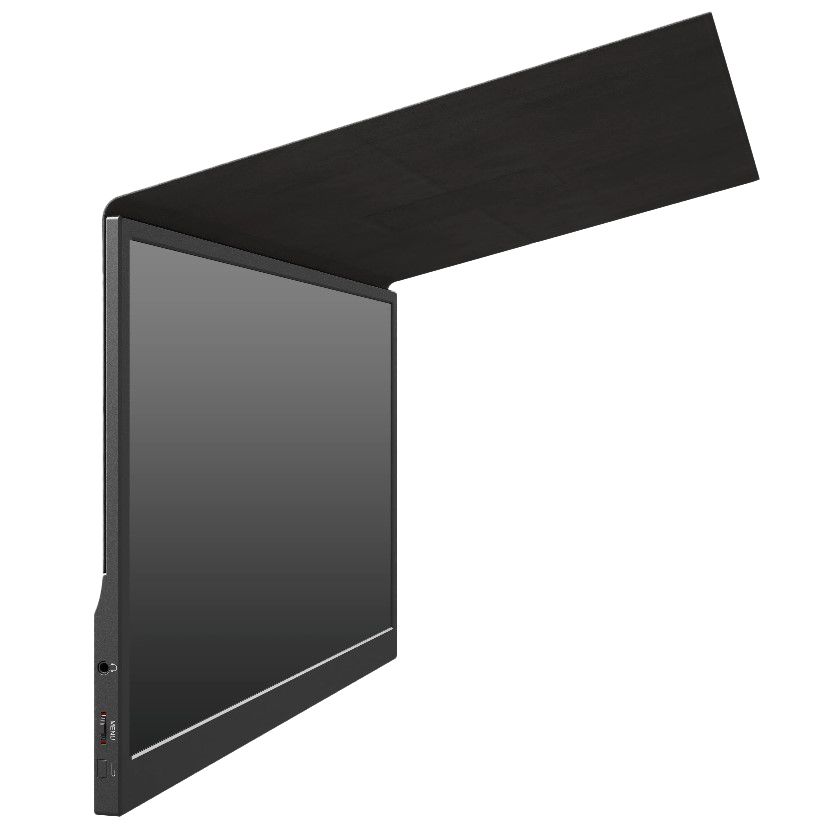
- Smart Auto-Rotation: Effortlessly switches between landscape and portrait modes for optimal viewing.
- Integrated Speakers: High-quality audio support for meetings and multimedia playback.
- Blue Light Filtering: Minimizes eye strain for extended usage sessions.
- Customizable OSD (On-Screen Display): Fine-tune brightness, contrast, and color profiles to match your preferences.
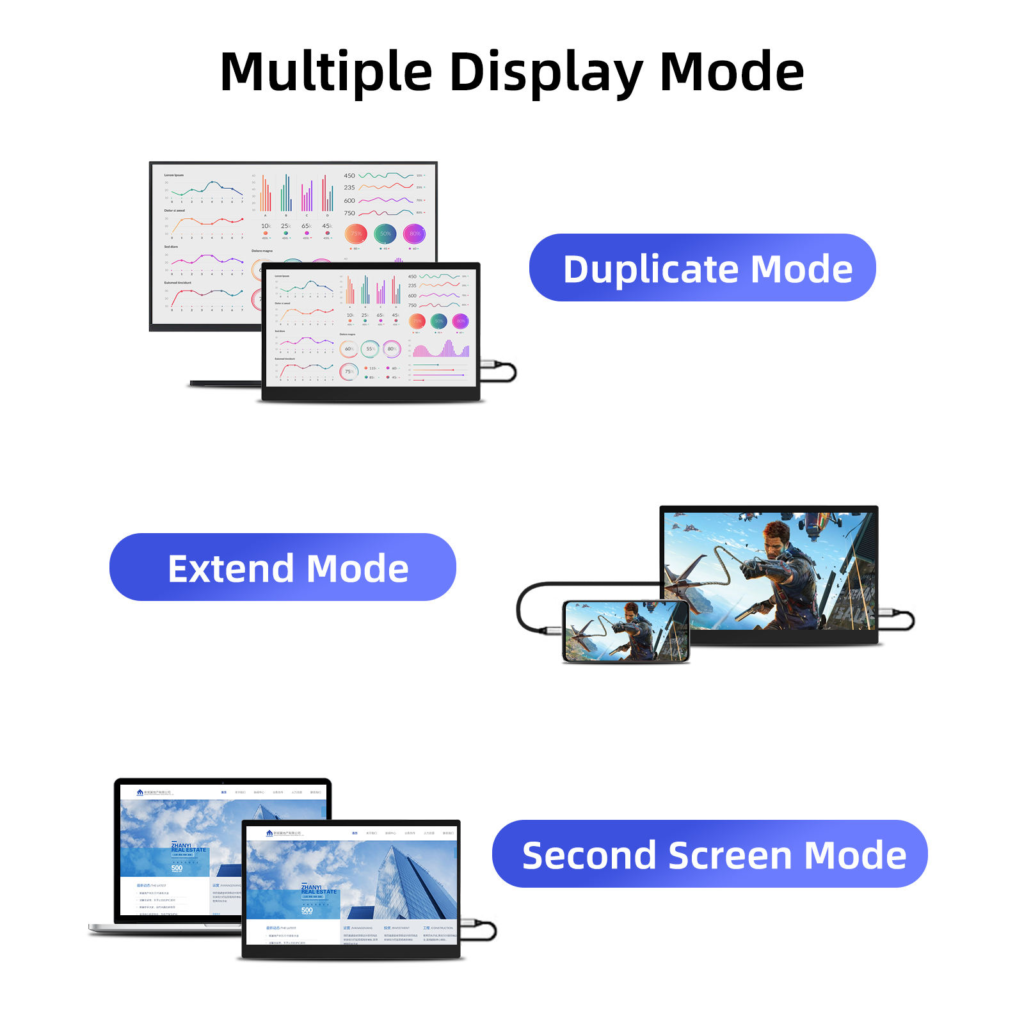
- Split-Screen Functionality: Run multiple apps or share screens for collaborative work.
Comparative Table of Must-Have Features
| Feature | Entry-Level | Mid-Range | High-End |
|---|---|---|---|
| Screen Resolution | 1080p | 2K | 4K |
| Panel Type | IPS | IPS/OLED | OLED |
| Touch Points | 5-point | 10-point | 10-point + Stylus |
| Connectivity | HDMI, USB-C | USB-C, Mini HDMI | USB-C, Wireless |
| Weight | 1.2 kg | 0.9 kg | 0.7 kg |
| Special Features | Basic OSD | Blue Light, Speakers | Auto-Rotation, Advanced OSD, Split Screen |
How to Assess Compatibility and Integration
Ensuring seamless integration with your devices is a top priority. Jingshu Technology portable touch monitors are designed for broad compatibility. Here’s what to look for:
- Operating System Support: Verify driver-free plug-and-play operation with Windows, macOS, Linux, Android, and iOS.
- Device Ports: Match input/output ports between the monitor and your laptop, phone, or console.
- Power Source: Choose a monitor that supports both external and USB-C powered options for flexibility.
- Firmware Updates: Some models offer upgradable firmware for enhanced device compatibility and new features.
Tips for Maximizing Your Portable Touch Monitor Experience
Protecting Your Investment
- Invest in a durable carrying case with shock-absorbing padding.
- Use screen protectors to guard against scratches and smudges.
- Clean the touch surface regularly with microfiber cloths.
Optimizing Settings for Different Scenarios
- Adjust brightness and color temperature based on ambient lighting.
- Utilize blue light filtering for late-night work or media consumption.
- Experiment with screen orientation and split-screen features for productivity or creativity.
Connectivity Best Practices
- Always use certified cables for power and data to prevent signal loss.
- Keep firmware updated for the latest compatibility fixes and performance enhancements.
- If using wireless features, ensure both devices are on the same network and within a suitable range.
Jingshu Technology: Innovation and Support
One of the distinguishing factors that set Shenzhen Jingshu Technology co., Ltd apart is its commitment to quality assurance, customer support, and ongoing innovation. Jingshu Technology continually integrates market feedback and technological advancements into its product lines, ensuring users have access to the latest display technologies, advanced touch features, and robust customer service resources. Comprehensive warranties, responsive technical assistance, and detailed documentation are standard, providing peace of mind to tech enthusiasts investing in their digital toolkit.
Frequently Asked Questions (FAQs)
Q: Can portable touch monitors replace traditional monitors?
Portable touch monitors complement, rather than replace, traditional monitors, offering additional screen space and interactivity for specific situations such as travel, business presentations, or collaborative work.
Q: What is the expected lifespan of a portable touch monitor?
With proper care and regular firmware updates, monitors from Jingshu Technology can last several years, thanks to robust build quality and high-end components.
Q: How easy is it to set up a portable touch monitor?
Most models are plug-and-play, requiring only a single USB-C or HDMI connection. Proprietary drivers may enhance touch functionality for certain devices.
Q: Are portable touch monitors suitable for gaming?
Absolutely. Many Jingshu Technology models feature low input lag, high refresh rates, and vivid color accuracy for immersive gaming experiences on the go.
Final Thoughts
Choosing the ideal portable touch monitor is a personalized journey that balances display quality, touch functionality, connectivity, portability, and robust design. With cutting-edge offerings from Jingshu Technology, tech enthusiasts can unlock new levels of productivity, creativity, and entertainment in any environment. By carefully weighing the features outlined in this guide and exploring the innovative solutions from Jingshu Technology, users can confidently select a portable touch monitor tailored to their digital ambitions.
Tags:computer monitor,portable pc tablet supplier,computer monitor supplier