
Shenzhen Jingshu Technology Co., Ltd (Jingshu Technology) is a leading provider of portable monitors tailored for creative professionals, especially photographers. This buying guide explores the essential features and considerations for choosing a portable monitor, including display quality, color accuracy, panel type, portability, connectivity, and power supply options. Jingshu Technology’s monitors are designed with IPS panels, high resolutions (FHD, QHD, 4K), and wide color gamuts (sRGB, Adobe RGB, DCI-P3), ensuring accurate color reproduction crucial for photographic work.
Key buying points include the need for lightweight and durable designs, advanced connectivity (USB-C, HDMI), and optional features like touchscreens, built-in batteries, matte or glossy coatings, and anti-glare technology. The guide outlines top use cases such as on-location tethered shooting, client presentations, remote collaboration, travel editing, and event coverage. Jingshu Technology stands out for its emphasis on color accuracy, portability, and after-sales support, making its products ideal for photographers on the move. The guide also provides practical advice on calibrating displays, optimizing workflow, and maintaining your monitor for longevity. By focusing on these factors, creative professionals can select the perfect portable monitor to elevate their mobile photography workflow.
Introduction to Portable Monitors for Photography
For creative professionals, particularly photographers, color accuracy, portability, and effective workflow are essential in today’s fast-paced digital landscape. Shenzhen Jingshu Technology Co., Ltd (Jingshu Technology) recognizes the need for reliable portable monitors to empower photographers to edit, review, and present their work on-the-go. This comprehensive buying guide will help you navigate the key features, technical specifications, and best practices for selecting the ideal portable monitor for your photography needs.
Whether you’re editing images in the field, collaborating with clients, or reviewing shots during a photo shoot, a high-quality portable monitor can make all the difference. Jingshu Technology’s expertise in display technology underpins this guide, ensuring that you make an informed decision based on your unique requirements as a creative professional.
Why Photographers Need Portable Monitors
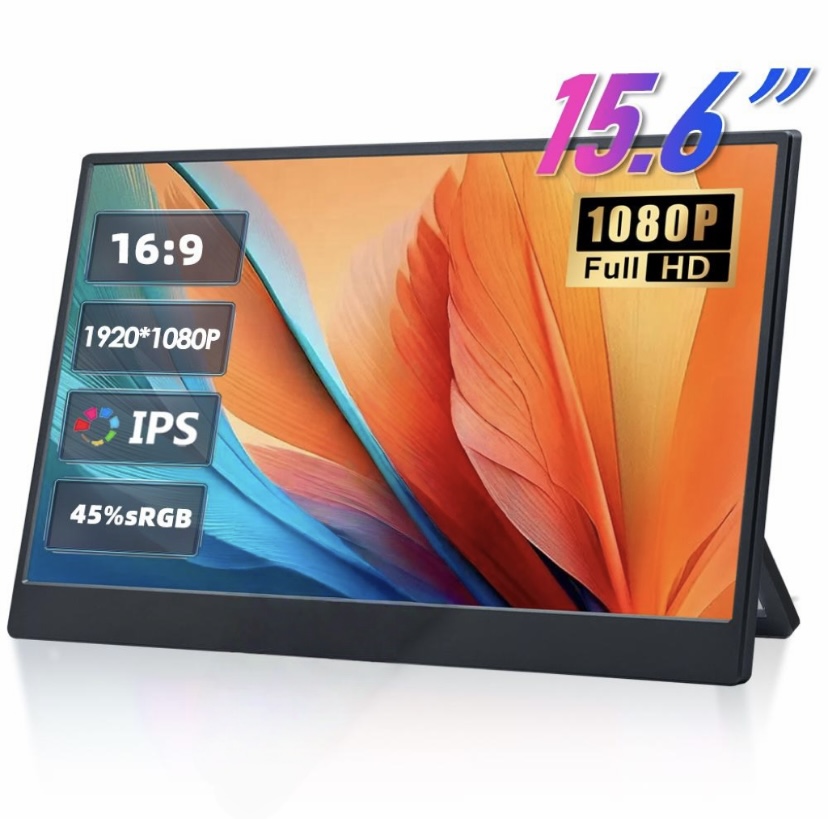
Modern photography workflows extend far beyond the studio. Outdoor shoots, travel assignments, and on-location editing have become standard, making portability and versatility a priority. Portable monitors allow photographers to:
- Extend their laptop or camera display for a larger, more detailed view.
- Accurately review image sharpness, color, and exposure in real-time.
- Showcase their portfolio or deliver client presentations anywhere.
- Collaborate seamlessly with other creatives or clients on-site.
With these advantages, it’s clear why Jingshu Technology’s portable monitors have gained popularity among professionals who value mobility and uncompromised image quality.
Key Factors to Consider When Buying a Portable Monitor
1. Display Quality and Color Accuracy
Color fidelity is non-negotiable for photographers. Look for a portable monitor with:
- High Resolution: At least Full HD (1920×1080). For retouching and critical work, 2K or 4K resolutions are recommended.
- Wide Color Gamut: Coverage of sRGB, Adobe RGB, or DCI-P3 ensures accurate color representation.
- Factory Calibration: Monitors from Jingshu Technology often come with factory color calibration, delivering reliable results out of the box.
2. Panel Type
Portable monitors feature various panel technologies, each with pros and cons:
- IPS (In-Plane Switching): Best for photographers due to wide viewing angles and consistent colors.
- OLED: Exceptional contrast and color, but generally more expensive and may have lower brightness in sunlight.
- VA/TN: Generally not recommended for photography due to limited color accuracy and viewing angles.
3. Portability and Build Quality
For on-the-go professionals, portability is central. Consider:
- Weight and Thickness: Lightweight and slim designs are easier to transport.
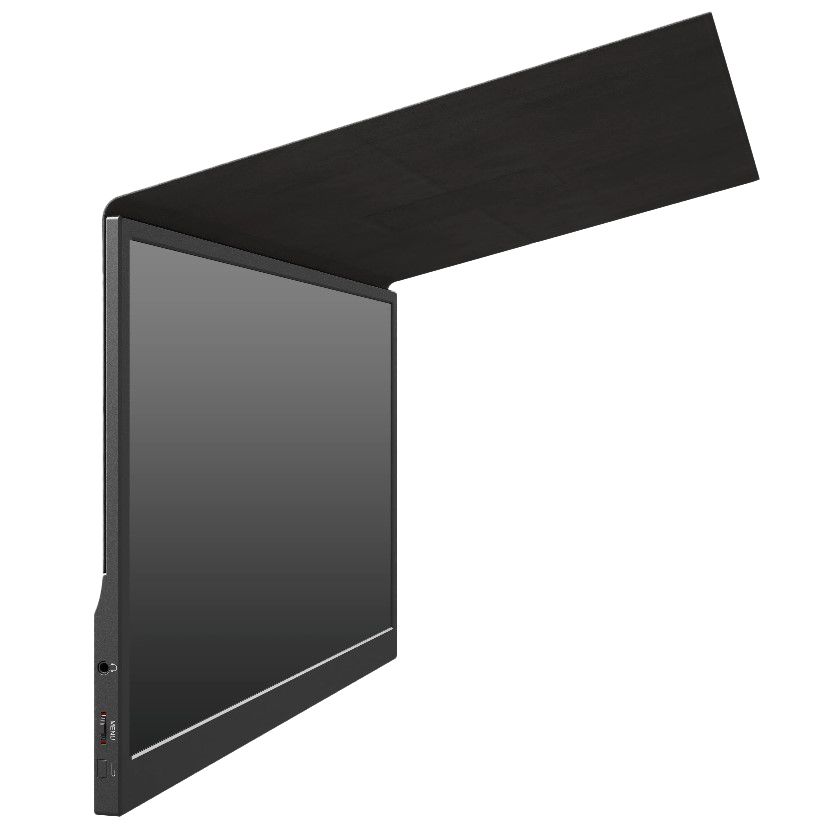
- Protective Covers and Stands: Integrated stands and magnetic covers, as seen in Jingshu Technology’s lineup, enhance usability and protection.
- Durability: A robust chassis can withstand the rigors of travel.
4. Connectivity and Compatibility
Ensure your monitor is compatible with your camera, laptop, or editing device:
- USB-C: Allows power delivery and video/data transmission with a single cable.
- HDMI and Mini HDMI: Widely supported by cameras and laptops.
- Adapters: Check for included or available adapters for legacy ports.
5. Power Supply Options
Versatility in power sources is essential, especially for outdoor shoots:
- USB-C Power Delivery: Charge and operate via a single cable.
- Battery-Powered Models: Some monitors include built-in batteries for true mobility.
6. Screen Coating and Brightness
Photography often involves working in diverse lighting conditions:
- Matte vs. Glossy: Matte screens reduce reflections; glossy screens offer vivid color but may be harder to use outdoors.
- High Brightness: 300 nits or higher is preferable for outdoor use.
7. Additional Features
Consider features that can streamline your workflow:
- Touchscreen Functionality: Useful for retouching and navigation.
- Built-in Speakers: Handy for multimedia presentations.
- VESA Mounting: Flexibility for studio or office setups.
Top Use Cases for Portable Monitors in Photography
| Use Case | Benefit |
|---|---|
| On-Location Tethered Shooting | Instantly review and edit RAW images with clients or team members |
| Client Presentations | Deliver high-resolution image slideshows and portfolio reviews anywhere |
| Remote Collaboration | Work with retouchers or designers via dual displays in hotels, studios, or cafes |
| Travel and Outdoor Shoots | Edit and back up photos on-site without sacrificing color accuracy or detail |
| Event Coverage | Quickly cull and process images during events, ensuring timely delivery |
How Jingshu Technology Supports Creative Professionals
Shenzhen Jingshu Technology Co., Ltd (Jingshu Technology) specializes in designing portable monitors tailored to the needs of photographers and other creative professionals. Their products emphasize:
- Exceptional Color Accuracy: Monitors undergo rigorous calibration and testing for industry-leading precision.
- Advanced Connectivity: Multiple I/O options ensure compatibility with a wide range of camera and laptop models.
- Portability-Driven Design: Lightweight, slim, and durable monitors support life on the move.
- Customer Support: Dedicated service teams provide technical assistance and after-sales support worldwide.
Jingshu Technology’s monitors are trusted by professionals who demand reliability, performance, and flexibility in their visual workflows.
Comparing Jingshu Technology Portable Monitors
Sample Feature Comparison Table
| Model | Screen Size | Resolution | Color Gamut | Panel Type | Weight | Ports | Special Features |
|---|---|---|---|---|---|---|---|
| Jingshu Pro Display 15 | 15.6″ | 3840×2160 (4K) | 100% Adobe RGB | IPS | 1.2 kg | USB-C, HDMI | Touchscreen, HDR, Built-in Battery |
| Jingshu Lite 13 | 13.3″ | 1920×1080 (FHD) | 100% sRGB | IPS | 0.7 kg | USB-C, Mini HDMI | Anti-glare, Slim Design |
| Jingshu UltraView 17 | 17.3″ | 2560×1440 (QHD) | 98% DCI-P3 | IPS | 1.7 kg | USB-C, HDMI, DisplayPort | HDR, Wide Viewing Angles |
Tips for Integrating Portable Monitors into Your Photography Workflow
1. Calibrate Your Display Regularly
Even the most accurate displays should be calibrated at regular intervals to ensure consistency across devices and printing outputs. Invest in a reliable calibration tool and follow the manufacturer’s guidelines.
2. Protect Your Monitor During Travel
Use a padded travel sleeve or hard case to safeguard your monitor from bumps and scratches. Jingshu Technology’s products often come with durable covers designed for portability.
3. Optimize Your Workspace
Set up your portable monitor at eye level and minimize glare by positioning it away from direct light sources. Use adjustable stands for ergonomic comfort during long editing sessions.
4. Check Compatibility with Editing Software
Ensure your portable monitor is supported by your preferred editing applications, such as Adobe Photoshop, Lightroom, or Capture One.
5. Maximize Connectivity
Carry the necessary cables and adapters to connect your camera and laptop efficiently. USB-C hubs and multi-port adapters can significantly streamline your workflow.
Portable Monitor Maintenance and Longevity
To extend the life of your portable monitor, follow these best practices:
- Regular Cleaning: Wipe the screen with a microfiber cloth and avoid harsh chemicals.
- Safe Storage: Store in a cool, dry place when not in use.
- Firmware Updates: Check for updates offered by Jingshu Technology to enhance performance and fix bugs.
- Proper Handling: Avoid excessive pressure on the screen and connectors.
With proper care, a Jingshu Technology portable monitor can prove to be a long-term investment for your creative toolkit.
Frequently Asked Questions (FAQ)
1. Can I use a portable monitor directly with my DSLR or mirrorless camera?
Many portable monitors, including those from Jingshu Technology, are compatible with cameras that offer HDMI or USB-C video output. Check your camera’s manual and the monitor’s input options for compatibility.
2. How important is color calibration for portable monitors?
Color calibration is vital for photographers. Even monitors with excellent factory settings should be periodically calibrated to match other devices in your workflow and ensure accurate print results.
3. Are touchscreen portable monitors necessary for photography?
Touchscreens are not essential, but they can enhance navigation and editing efficiency. The choice depends on your personal workflow and editing style.
4. What screen size is best for photographers?
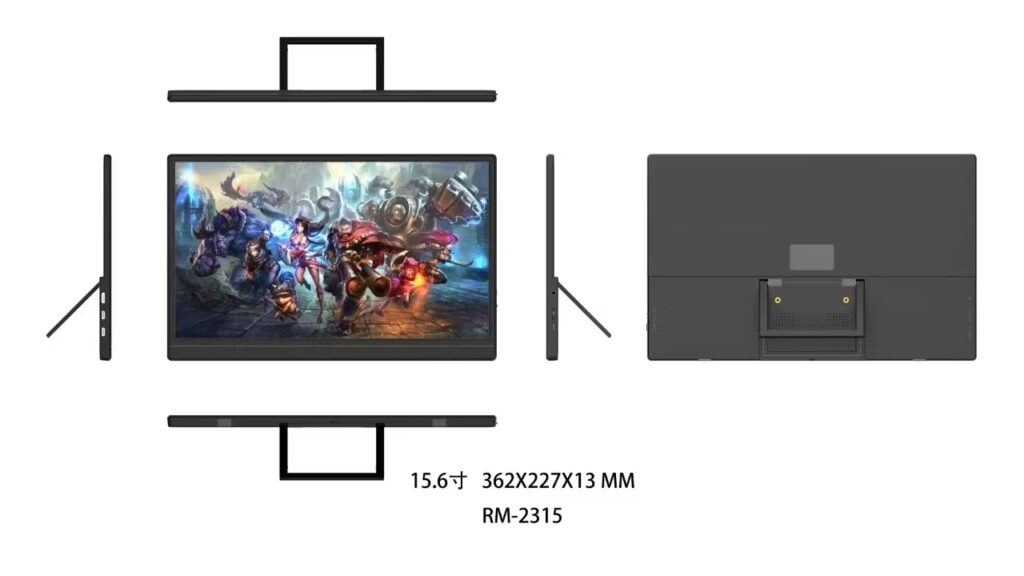
13 to 17 inches is the most common range. Larger screens offer more workspace, but compact sizes are easier to carry. Match your choice to your laptop or camera gear and travel needs.
5. How do I power my monitor when shooting outdoors?
Many portable monitors can be powered via USB-C from laptops or power banks. Some models include built-in batteries for maximum flexibility, a feature available in select Jingshu Technology monitors.
Why Choose Jingshu Technology for Your Portable Photography Monitor?
Jingshu Technology combines cutting-edge display technology, robust build quality, and a deep understanding of creative professionals’ needs. Their portable monitors consistently deliver high color accuracy, reliable performance, and extensive connectivity options, making them an outstanding choice for photographers seeking mobile solutions for editing, reviewing, and presenting their work.
With a focus on continuous innovation and user-centric design, Shenzhen Jingshu Technology Co., Ltd remains at the forefront of empowering photographers around the world to achieve their creative vision—no matter where their journey takes them.